Home › Get the app
DigiDeals lives inside DigiClippy. See this week’s deals at your stores, add them to your grocery list in one tap, and see when the things you buy go on sale. DigiDeals and your lists are free.


Want every digital coupon clipped too? DigiClippy Pro clips them all at 90+ stores, in one tap.

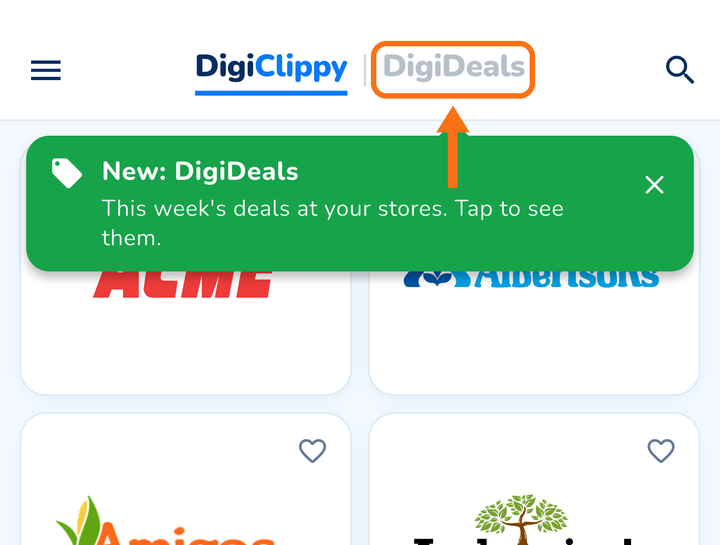
In the DigiClippy app, tap DigiDeals at the top of the screen. Tap DigiClippy any time to go back to clipping coupons.
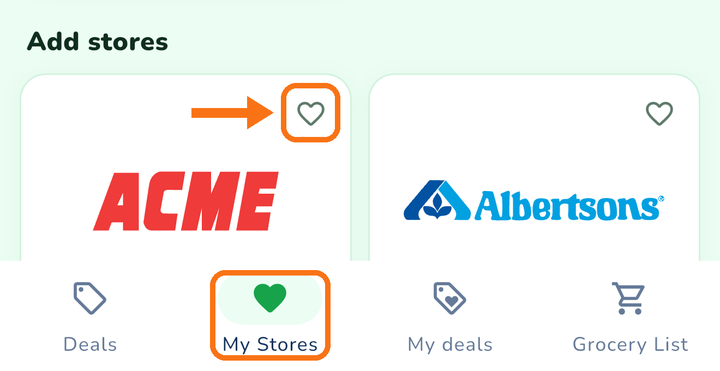
Tap My Stores at the bottom of the screen and heart the places you shop. Their weekly ads fill your Deals tab, best deals first.
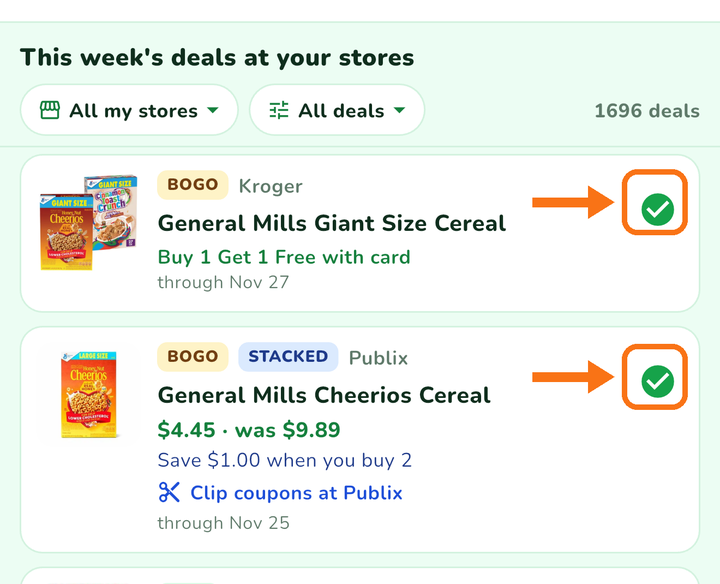
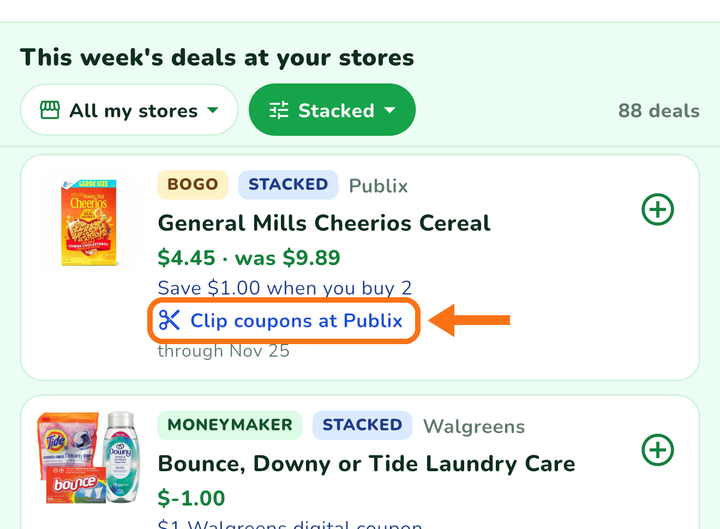
Tap the + on a deal and it goes on your grocery list with its store and price. Tap a deal to see the details first.
Put the things you buy on your grocery list. When your stores put them on sale, My deals shows you where.
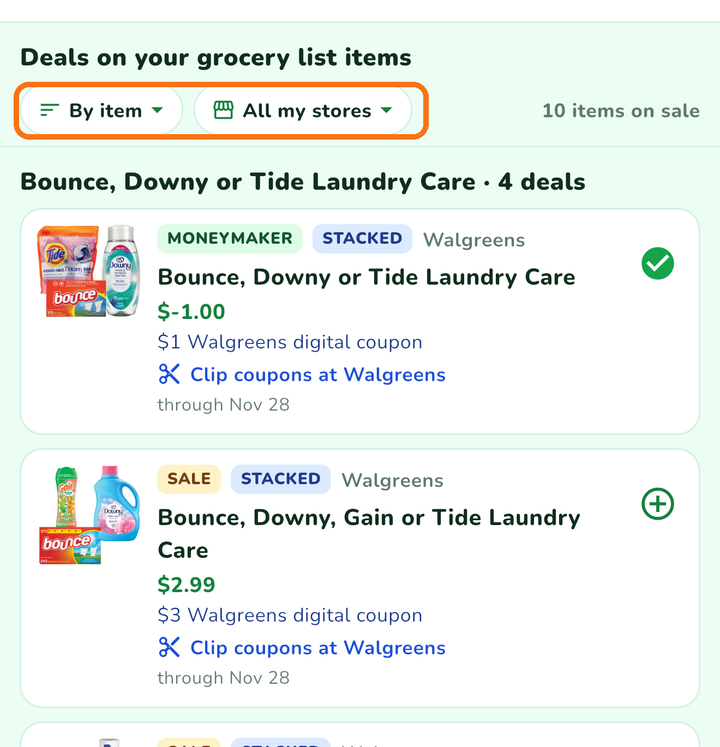
A STACKED deal gets cheaper with the store’s digital coupon. With DigiClippy Pro, tap Clip coupons at the store and DigiClippy clips it for you.
 Digi